

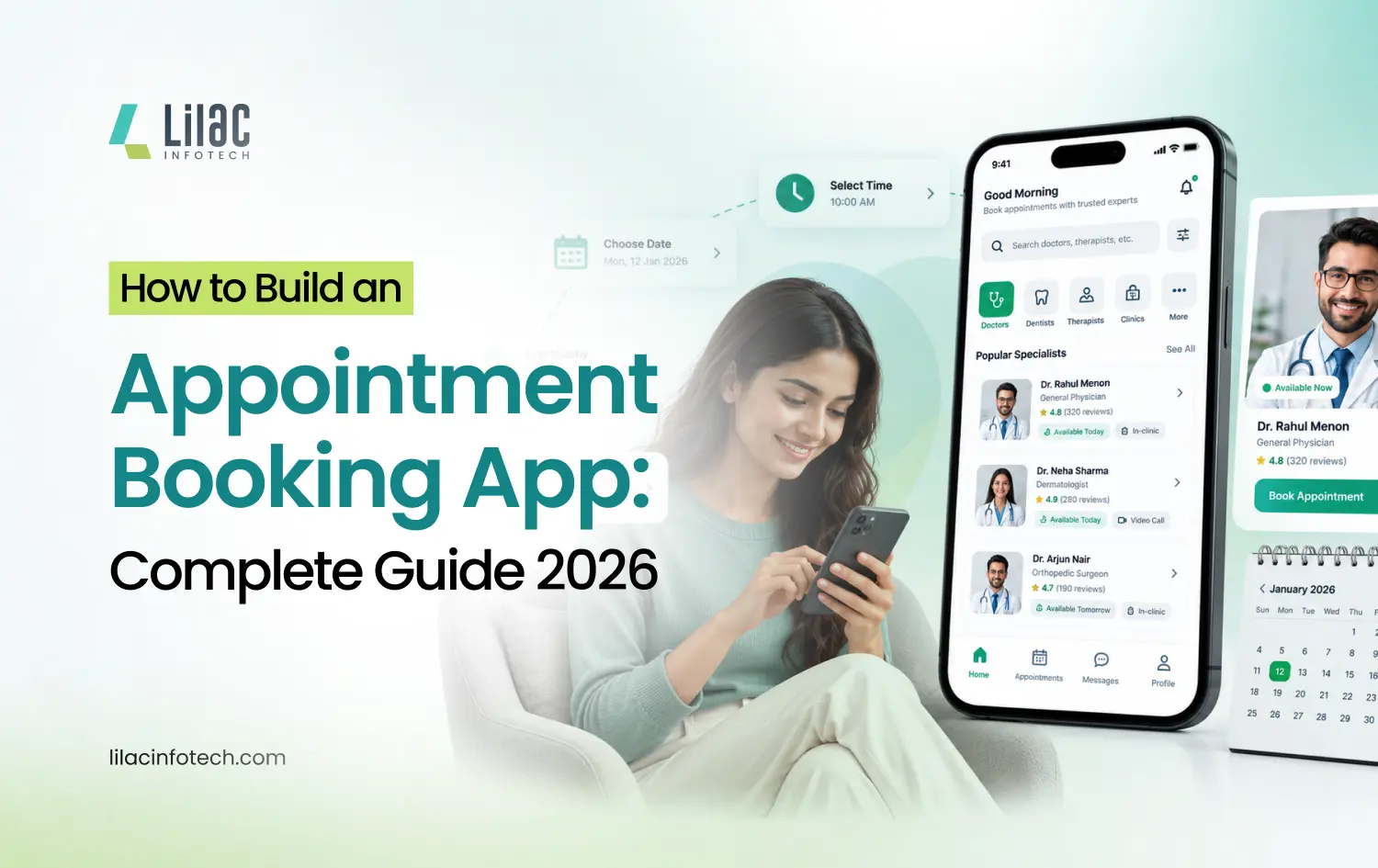
Managing appointments manually through phone calls, WhatsApp messages, spreadsheets, or social media can quickly become difficult as a business grows. Missed bookings, double appointments, last-minute cancellations, and inefficient scheduling can affect both customer satisfaction and revenue.
An appointment booking app solves these problems by allowing customers to discover services, check real-time availability, select a convenient time slot, make payments, and receive reminders from their smartphones.
For businesses, an app can automate scheduling, customer management, payments, notifications, and reporting from a centralized platform. This guide explains how to build an appointment booking app in 2026, including essential features, development steps, costs, challenges, and business benefits.
What Is an Appointment Booking App?
An appointment booking app is a digital platform that allows customers to schedule services online based on real-time availability.
For example, a salon can use an app to let customers select a service, choose a staff member, view available slots, and confirm a booking without calling the business.
Similarly, doctors, consultants, fitness trainers, tutors, beauty professionals, repair services, and other appointment-based businesses can use booking applications to manage their schedules.
A typical appointment booking platform may include:
- Customer mobile app
- Business/admin dashboard
- Service provider or staff panel
- Online payment system
- Booking and calendar management
- Push notifications and reminders
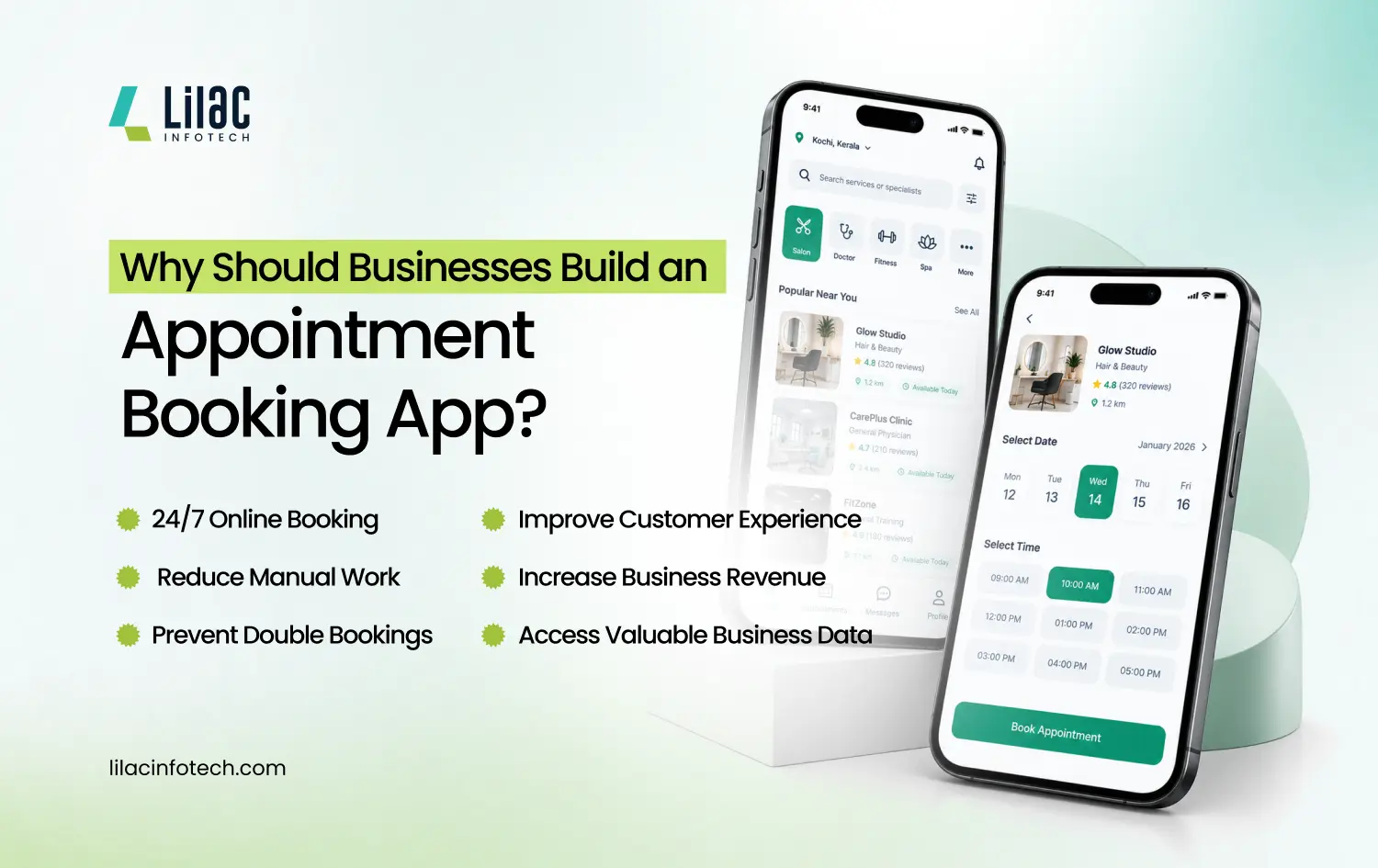
Why Should BusinessesBuild an Appointment Booking App?
Customers want convenience, while businesses want better operational efficiency. An online booking platform can address both needs.
- 24/7 Online Booking
Customers can book appointments anytime, without waiting for business hours.
- Reduce Manual Work
Automated scheduling reduces the need to manage appointments through phone calls, spreadsheets, or messaging platforms.
- Prevent Double Bookings
Real-time availability helps ensure that the same service provider or time slot isn't booked by multiple customers.
- Improve Customer Experience
Customers can select services, providers, dates, and times through a simple digital interface.
- Increase Business Revenue
A convenient booking process can help businesses capture more appointments and reduce missed opportunities.
- Access Valuable Business Data
Analytics can provide insights into popular services, customer behavior, booking frequency, and revenue.
Appointment Booking App Use Cases
Booking technology can be adapted to many industries.
- Booking Service Apps
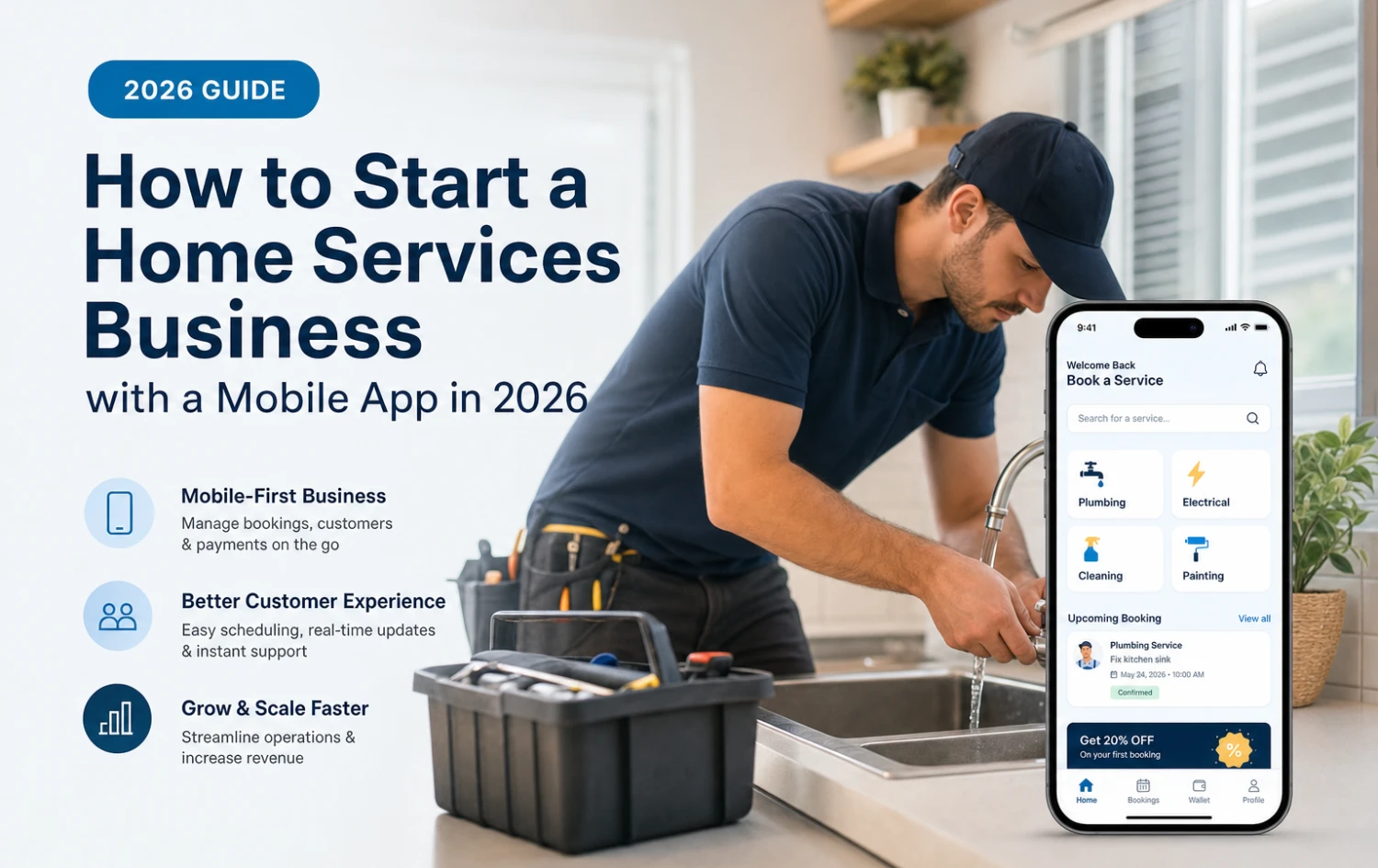
Salons, spas, consultants, repair businesses, cleaning companies, and other service providers can manage appointments, availability, customers, and payments.
Healthcare businesses can allow patients to search for doctors, check availability, book appointments, receive reminders, and manage consultations online.
Hotels, homestays, and vacation rental businesses can manage property availability, reservations, payments, and cancellations.
Event halls, conference rooms, wedding venues, and other spaces can manage availability and reservations digitally.
Event platforms can allow users to discover events, reserve seats, purchase tickets, and receive digital confirmations.
Transportation businesses can provide route searches, seat selection, online payments, ticket management, and notifications.
Other applications include taxi booking, car rental, restaurant booking, fitness booking, home service booking, sports facility booking, course booking, and property booking.
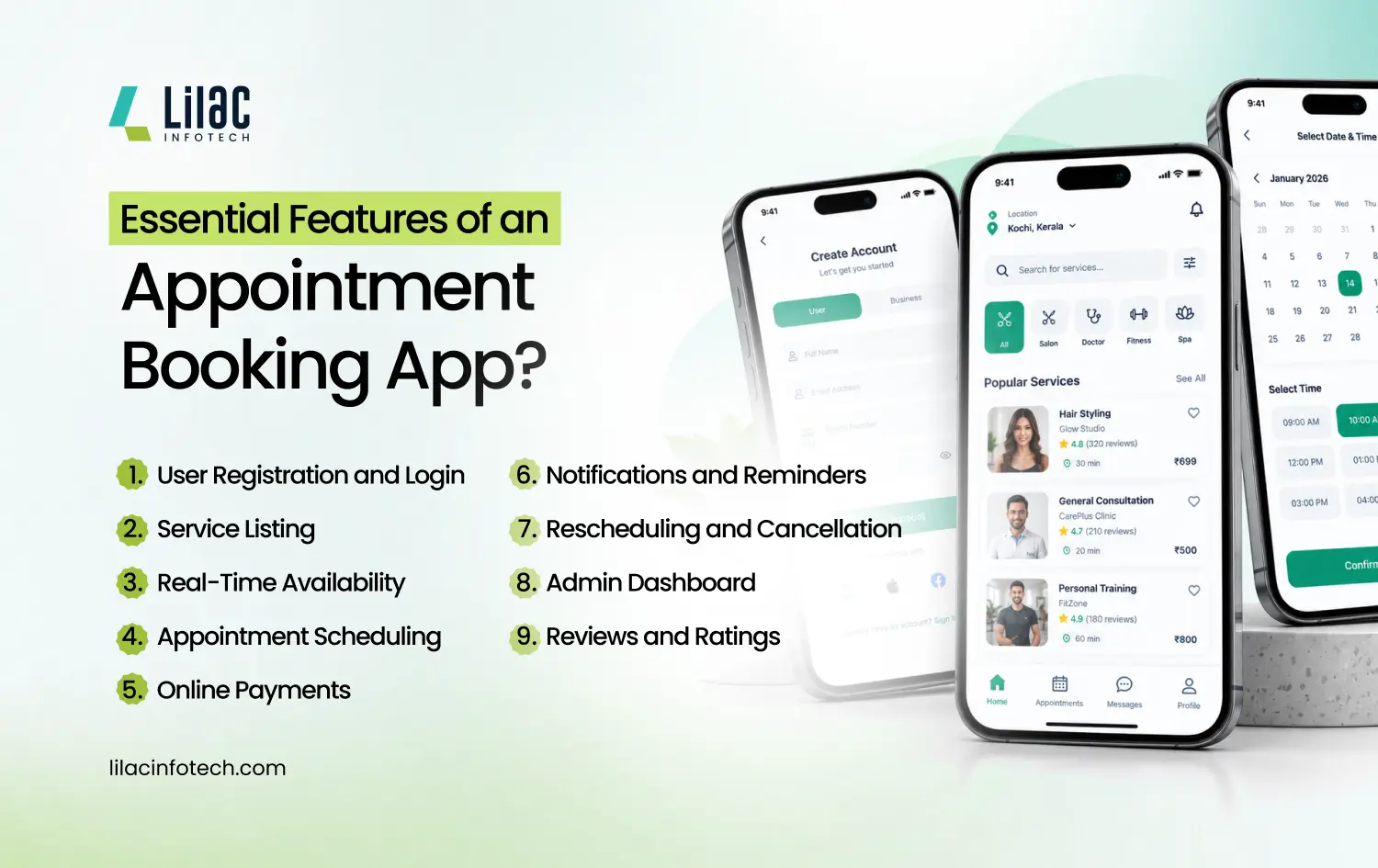
Essential Features of an Appointment Booking App
The features you need depend on your industry and business model. However, several features are important for most appointment scheduling platforms.
1. User Registration and Login
Customers should be able to create accounts using email, phone number, OTP, or social login.
2. Service Listing
Display services with descriptions, prices, duration, images, and available professionals.
For example, a salon booking app could list haircut, facial, hair coloring, manicure, and other services separately.
3. Real-Time Availability
Customers should be able to see available dates and time slots based on staff schedules and existing bookings.
This is one of the most important features because it helps prevent double bookings.
4. Appointment Scheduling
Customers can select a service, professional, date, and time before confirming their appointment.
5. Online Payments
Integrating secure payment gateways allows businesses to collect full or partial payments during booking.
6. Notifications and Reminders
The app can send booking confirmations, appointment reminders, cancellation updates, and payment notifications.
7. Rescheduling and Cancellation
Customers should be able to reschedule or cancel appointments according to the business's cancellation policy.
8. Admin Dashboard
The admin panel should provide control over:
- Customers
- Services
- Staff
- Appointments
- Payments
- Discounts
- Reports
- Notifications
9. Reviews and Ratings
Customer feedback can help businesses build trust and identify areas for improvement.
How to Build an Appointment Booking App
Developing a successful appointment booking application requires proper planning, UX design, technology selection, development, testing, and deployment.
Step 1: Define Your Business Model
First, decide what type of booking platform you want to build. You could create an app for a single business or a multi-provider marketplace.
Popular use cases include:
- Doctor appointment booking
- Salon booking
- Spa appointments
- Fitness and gym bookings
- Tutor and coaching sessions
- Consultant appointments
- Home services
- Beauty services
- Repair services
Your business model will determine the features and technology required.
Step 2: Identify Your Target Users
Understand the needs of both customers and service providers. Identify problems with the existing booking process and design features that solve those problems.
For example, a multi-vendor platform may require provider registration, commission management, reviews, and payouts, while a single-business application may require only customer booking and staff scheduling.
Step 3: Design the UI/UX
The booking process should be simple and intuitive.
A typical customer journey is:
Select Service → Choose Provider → Select Date & Time → Confirm Booking → Make Payment
A well-designed interface can reduce booking abandonment and improve the overall customer experience.
Step 4: Select the Technology
Depending on the project requirements, developers may use technologies such as Flutter or React Native for cross-platform mobile development, along with backend technologies such as Node.js or Laravel.
The platform may also require:
- Database management
- Cloud hosting
- Payment gateway APIs
- Google Maps or location services
- SMS and email APIs
- Push notification services
Step 5: Develop the MVP
Startups can launch an appointment booking app MVPwith essential features instead of developing every advanced feature immediately.
An MVP can include user login, service listings, availability, booking, payments, notifications, and an admin panel.
After launch, user feedback and analytics can help determine which advanced features should be added.
Step 6: Test and Launch
Testing should cover booking conflicts, payment processing, authentication, notifications, cancellation rules, performance, security, and different mobile devices.
After successful testing, the application can be launched on the required platforms and continuously improved through updates and maintenance.
How Much Does It Cost to Build an Appointment Booking App?
The appointment booking app development cost depends on several factors, including:
- App complexity and required features
- UI/UX design and customization
- iOS, Android, or cross-platform development
- Number of user roles and booking workflows
- Payment gateways and third-party API integrations
- Backend, security, testing, and maintenance
A basic appointment booking app will have a different development cost from a multi-provider booking marketplace with advanced features. For an accurate estimate, discuss your requirements with an experienced appointment booking app development company.
Custom Booking App vs Ready-Made Software
Ready-made booking software may be suitable for businesses that need basic scheduling functionality.
However, custom booking app development provides greater control over:
- Branding
- Features
- User experience
- Business workflows
- Integrations
- Revenue models
- Scalability
- Future upgrades
A custom platform can be designed around your industry, target customers, operational processes, and long-term business goals.
How to Choose an Appointment Booking App Development Company?
Before you hire an app development company, consider:
- Booking app development experience
- Portfolio and previous projects
- UI/UX expertise
- API and payment integration experience
- Security and testing practices
- Scalability
- Post-launch support
Don’t choose a company based only on price. Focus on quality, expertise, communication, and long-term support.
Why Choose Lilac Infotech?
Lilac Infotech provides customized appointment booking app development services for startups and businesses looking to digitize their booking processes.
Our booking solutions include:
- Appointment Booking
- Doctor Booking
- Hotel & Homestay Booking
- Venue & Event Booking
- Bus & Taxi Booking
- Restaurant & Salon Booking
- Car Rental & Home Service Booking
- Fitness Booking
From UI/UX design and development to testing, deployment, and support, Lilac Infotech provides end-to-end app development solutions.
Frequently Asked Questions
1. How much does it cost to build an appointment booking app?
The cost depends on features, design, platforms, and integrations. Lilac Infotech can provide a customized cost estimate based on your requirements.
2. How long does it take to develop an appointment booking app?
Development time depends on the app’s features and complexity. Lilac Infotech follows a structured process to deliver scalable booking apps efficiently.
3. What features should an appointment booking app have?
Key features include online booking, availability management, payments, notifications, cancellations, and an admin dashboard. Lilac Infotech can customize these features for your business.
4. Can I build a custom appointment booking app for my business?
Yes, a custom app can be designed around your services and booking process. Lilac Infotech develops appointment booking apps for different industries.
5. Which is the best appointment booking app development company?
The right company should have experience, strong UI/UX skills, and reliable support. Lilac Infotech offers end-to-end appointment booking app development services.
Article Tags
Recent Posts
Food Delivery App Development Company for Restaurants & Startups
Nov 06, 2026
Best Mobile App Development Company in India for Global Businesses
Nov 02, 2026
how to choose a healthcare software development company
Oct 30, 2026
Why Lilac Infotech Is the Best Choice for Mobile App Development in India
Oct 22, 2026


























Post a Comment